AI-assisted power measurements with Otii MCP
With the Otii MCP server, you can run Otii measurements directly from your AI assistant. This brings energy measurements into your firmware development flow: make a change, and the assistant measures energy consumption, peak current and more, then analyzes how the change affected the results.
You can ask your assistant things like:
“Power my board at 3.3 V for 20 seconds and tell me how much energy one cycle uses.”
“I changed the firmware to sleep between transmissions. Measure again and compare with the previous recording.”
“How much energy does the device use between ‘Connecting...’ and ‘Data sent’ in the log?”
“Check the UART log from the last recording for errors or unexpected resets.”
Behind the scenes, the server powers your device under test from the Otii, records the current and, optionally, the device’s UART log, and calculates energy, charge and current statistics. You can get these for a whole recording, a specific time range, or the interval between two log messages, which makes it easy to measure exactly one firmware cycle. All recordings are saved in your open Otii project, so you can always take a closer look in Otii 3.
Products needed
Get started
The Otii MCP server is available at Qoitech Github, follow the instructions there:
Install the Otii MCP server on your system
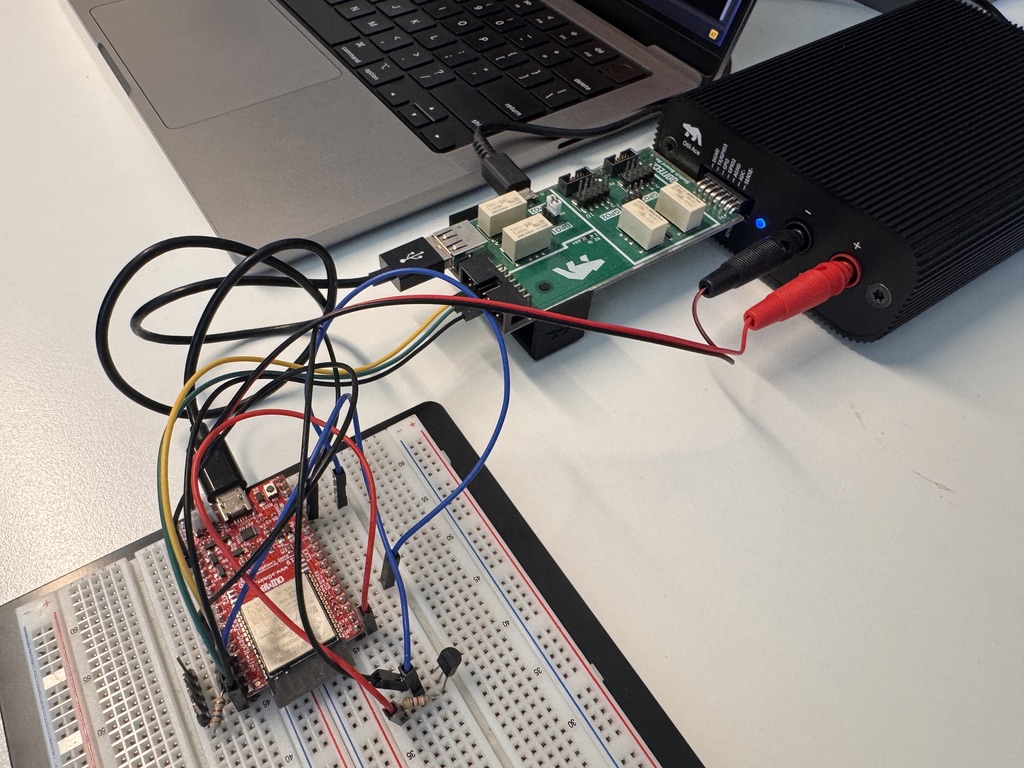
The measurement setup
If you let the AI assistant flash the firmware, make sure the programming interface is disconnected before it measures the power consumption. Otherwise, the board may be partly powered over USB, and the measurements will be wrong.
There are two ways to handle this:
- Use a USB switch, controlled from the Otii’s digital output, that connects and disconnects the programming interface automatically.
- Have the AI assistant ask you to connect and disconnect the programming interface manually each time it flashes the device.
We recommend the switch, since it lets the assistant optimize your firmware without you having to step in.
Here are some examples of switch boards you can use: