Battery life estimator
 This feature requires a Battery Toolbox License.
 Disclaimer: The battery life estimator is in pre-release and is still undergoing validation in our labs. It is provided as-is and may be subject to changes, inaccuracies, or limitations.
The battery life estimator is a tool that let you estimate the battery life for your device based on different device profiles based on actual power measurements of your device, and using battery profiles created with the battery profiler or provided to you.
Battery life estimation is done in four steps:
- Measure the current profile of your device
- Create a
device profilefrom the measurement - Configure a battery from an existing
battery profile - Run the estimator
Measure a device
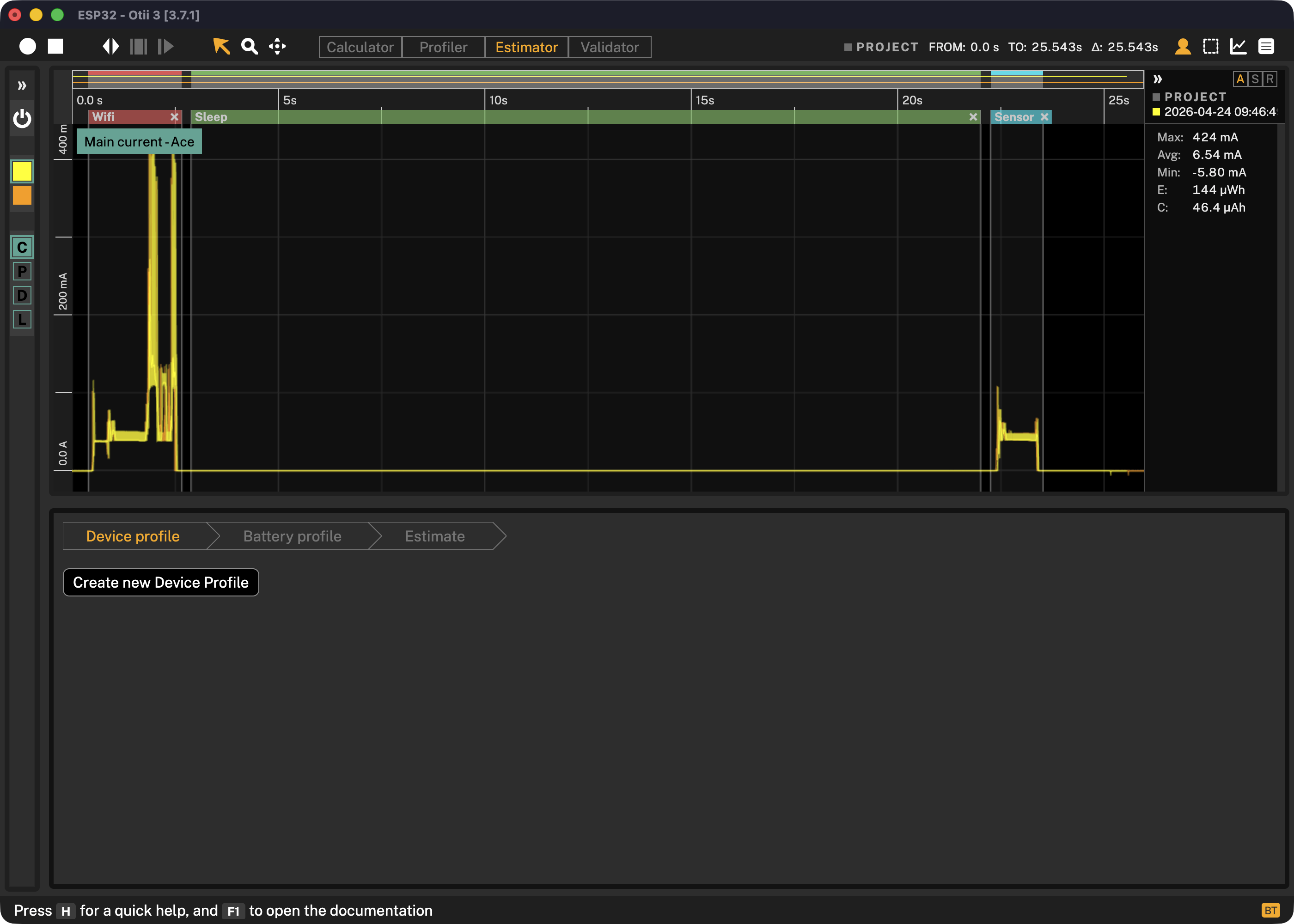
Make a measurement that contains all different activity periods, e.g. getting sensor data and sending data to the cloud. Make saved selections to identify those activities:
Create a device profile
Open the Estimator by selecting it in the toolbar.
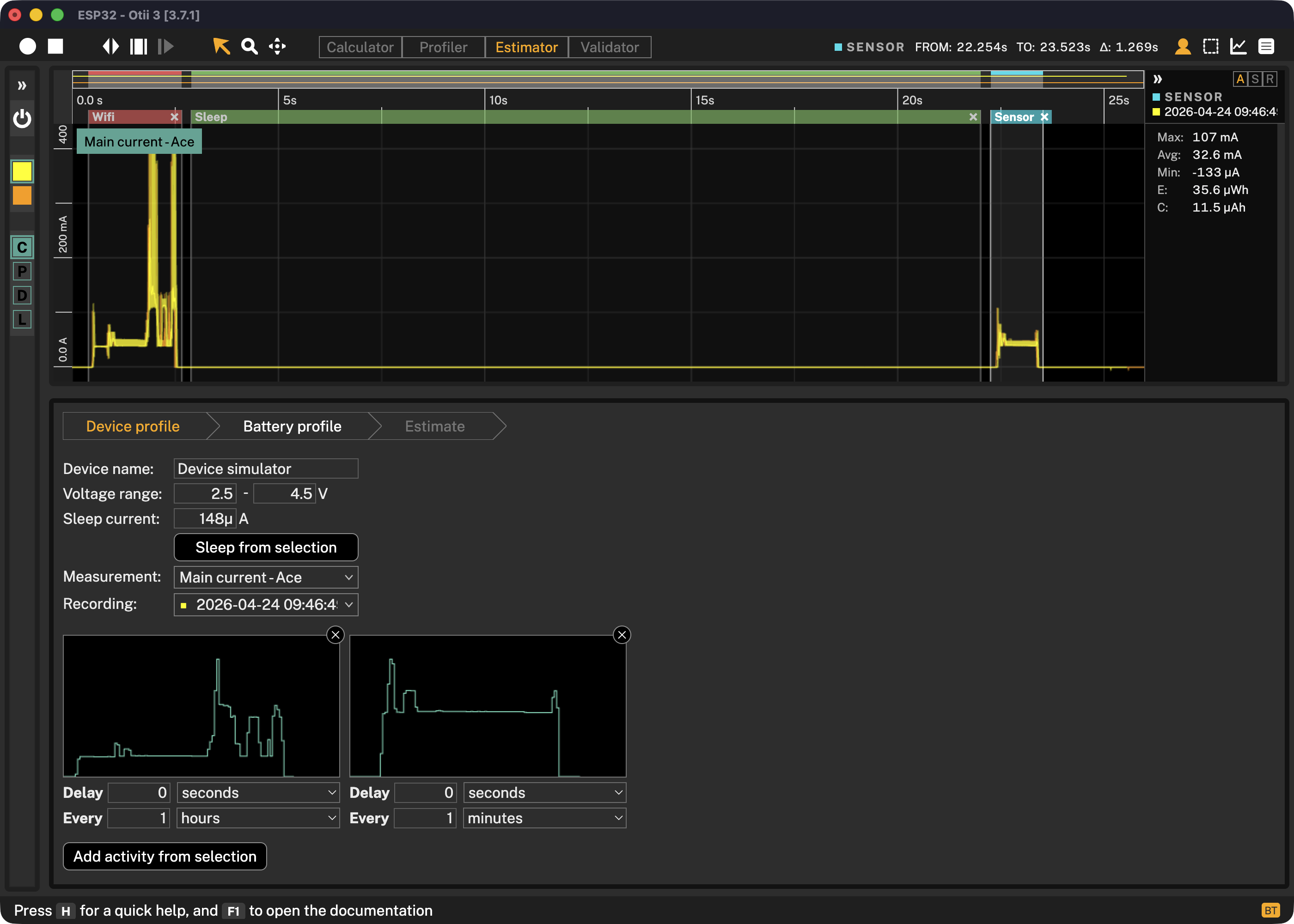
Click on Create device profile in the estimator and then setup the profile:
Device name
Choose any name for your device.
Voltage range
This is the operating range for your device. The voltage range will limit the available battery profiles, and will determine at what battery voltage the estimator should stop estimating.
Sleep current
This is the average sleep current of your device. Make a selection, or click on a saved selection,
and then click on Sleep from selection to copy the average current.
Add activity
Make a selection, or click on a saved selection, and the click on Add activity from selection
to create a new activity.
You can now set the delay before the first time this activity is going to happen, and then you can set the frequency that it will occur at.
You can create more than one activity.
Here is an example of a device profile where it reads the sensor every minute and sends data to the cloud every hour:
Set up a battery profile
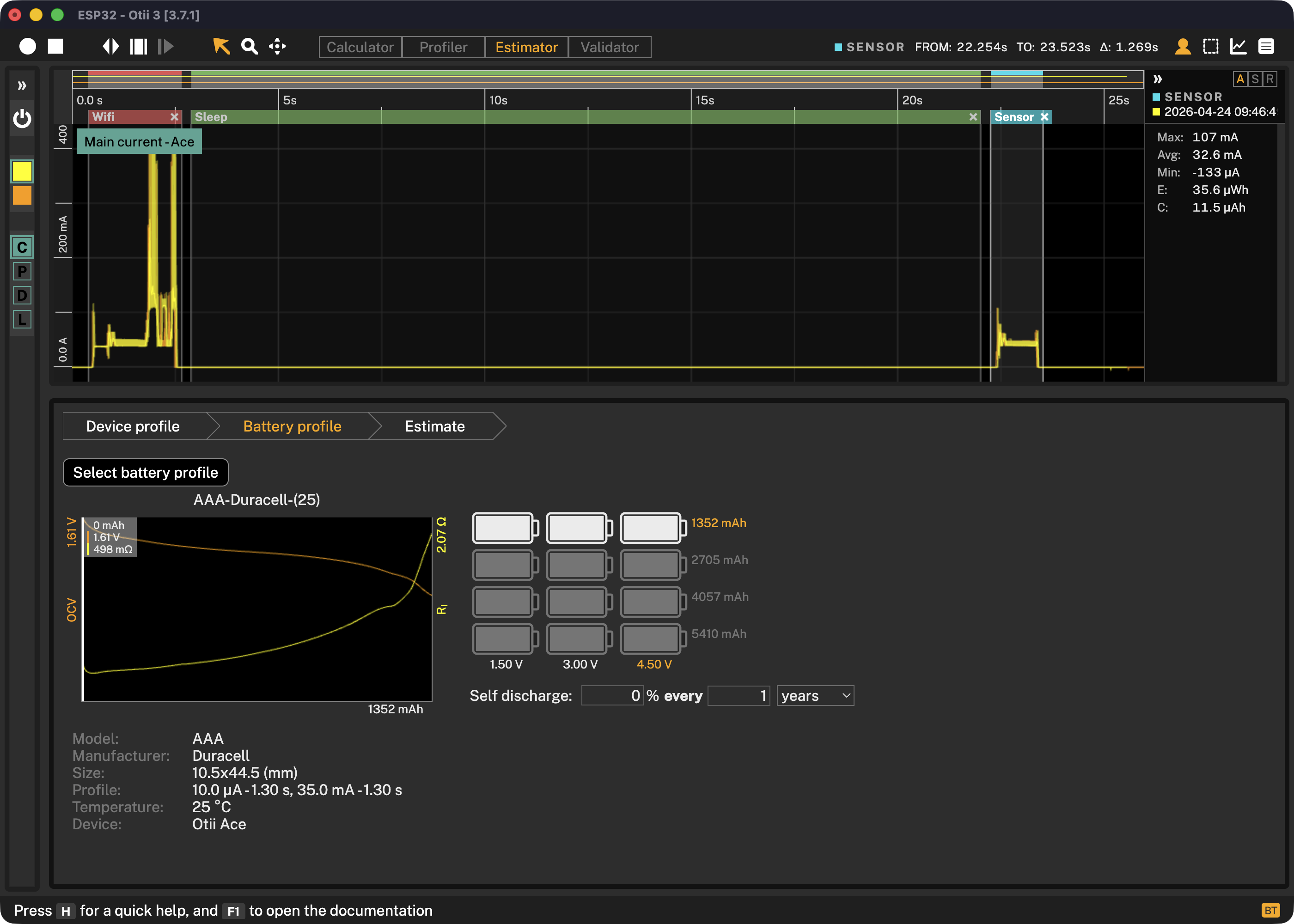
Select a battery profile from your library of profiles, choose the configuration of your battery pack, and optionally set the self-discharge of the battery.
Estimate
To run an estimate, press Estimate battery life. Depending on your configuration this
could take some time.
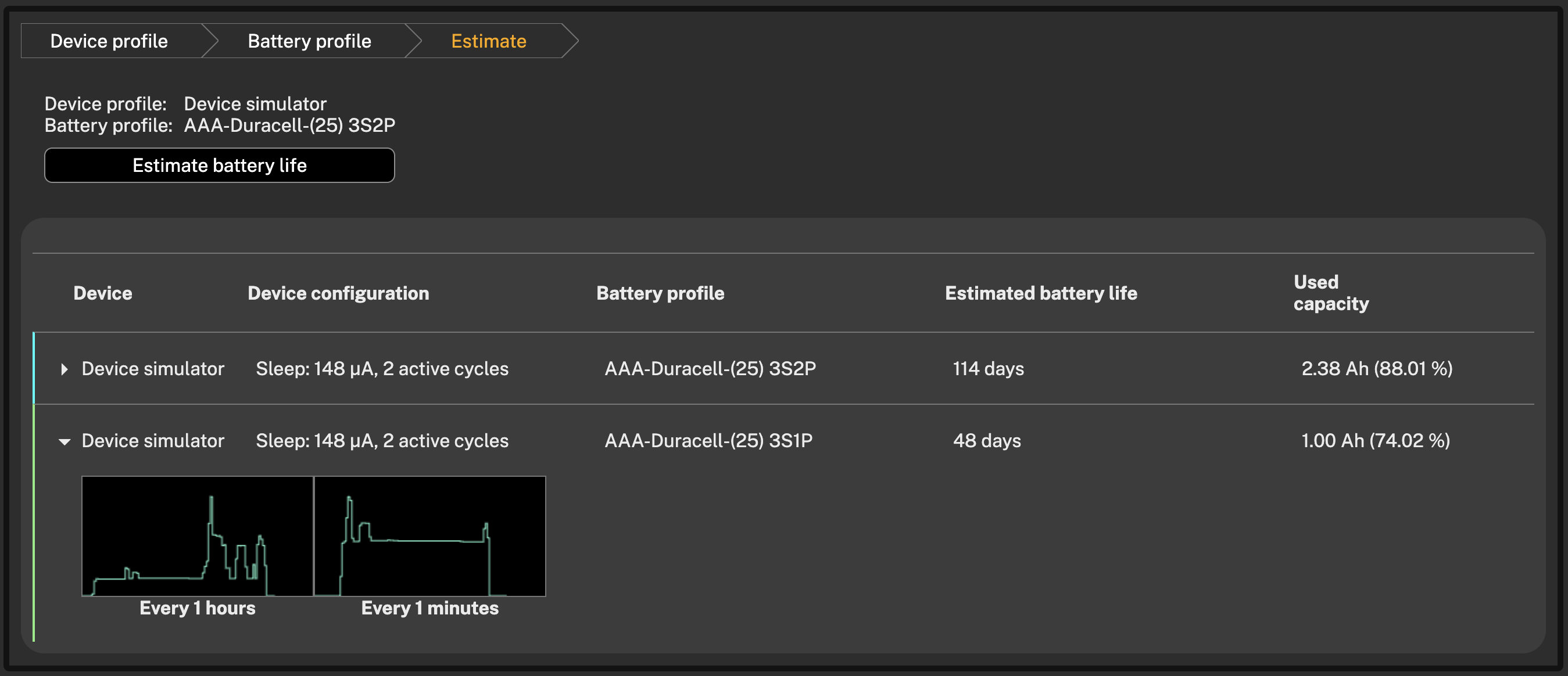
When the estimation is done, an estimated life tile will be presented:
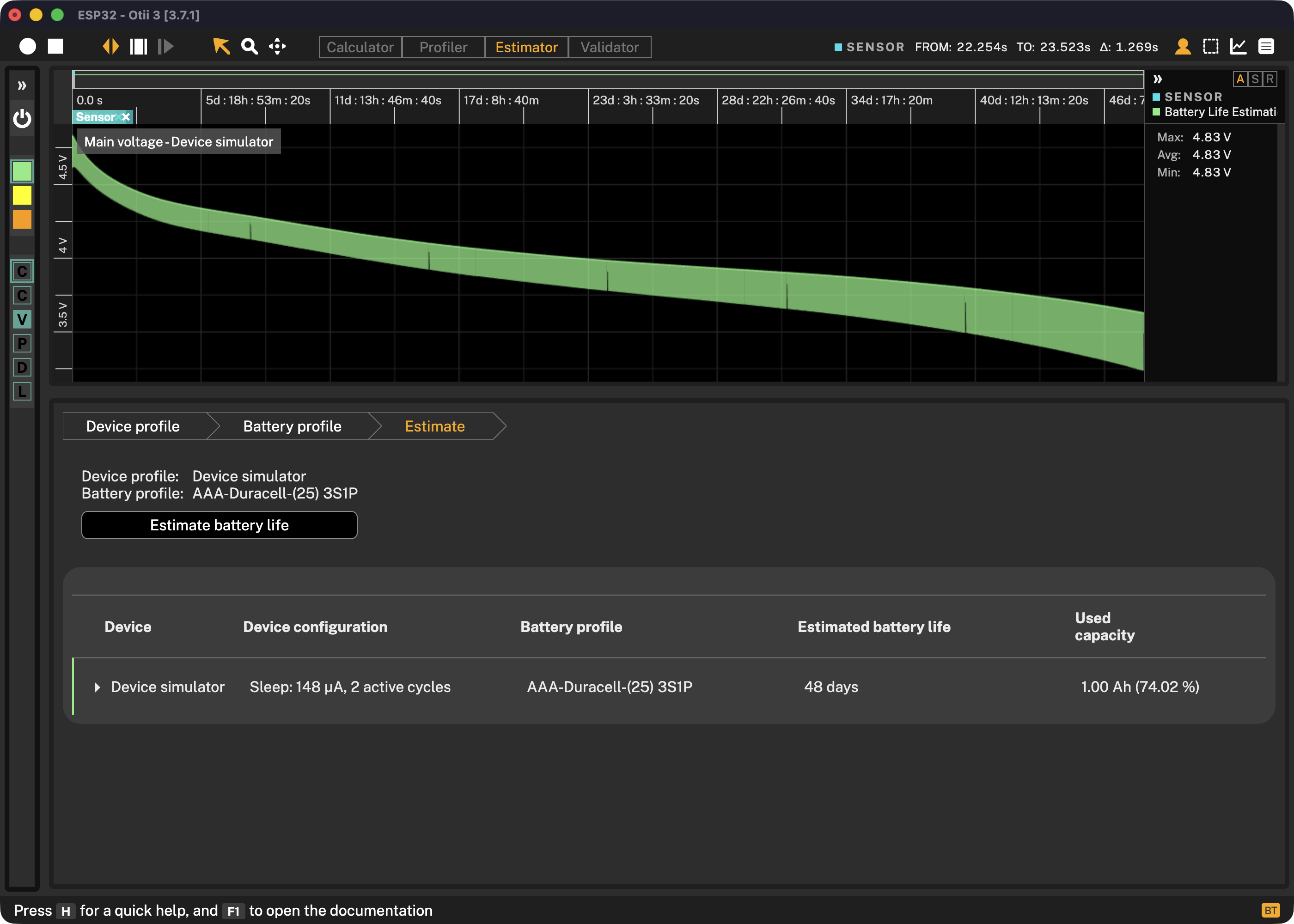
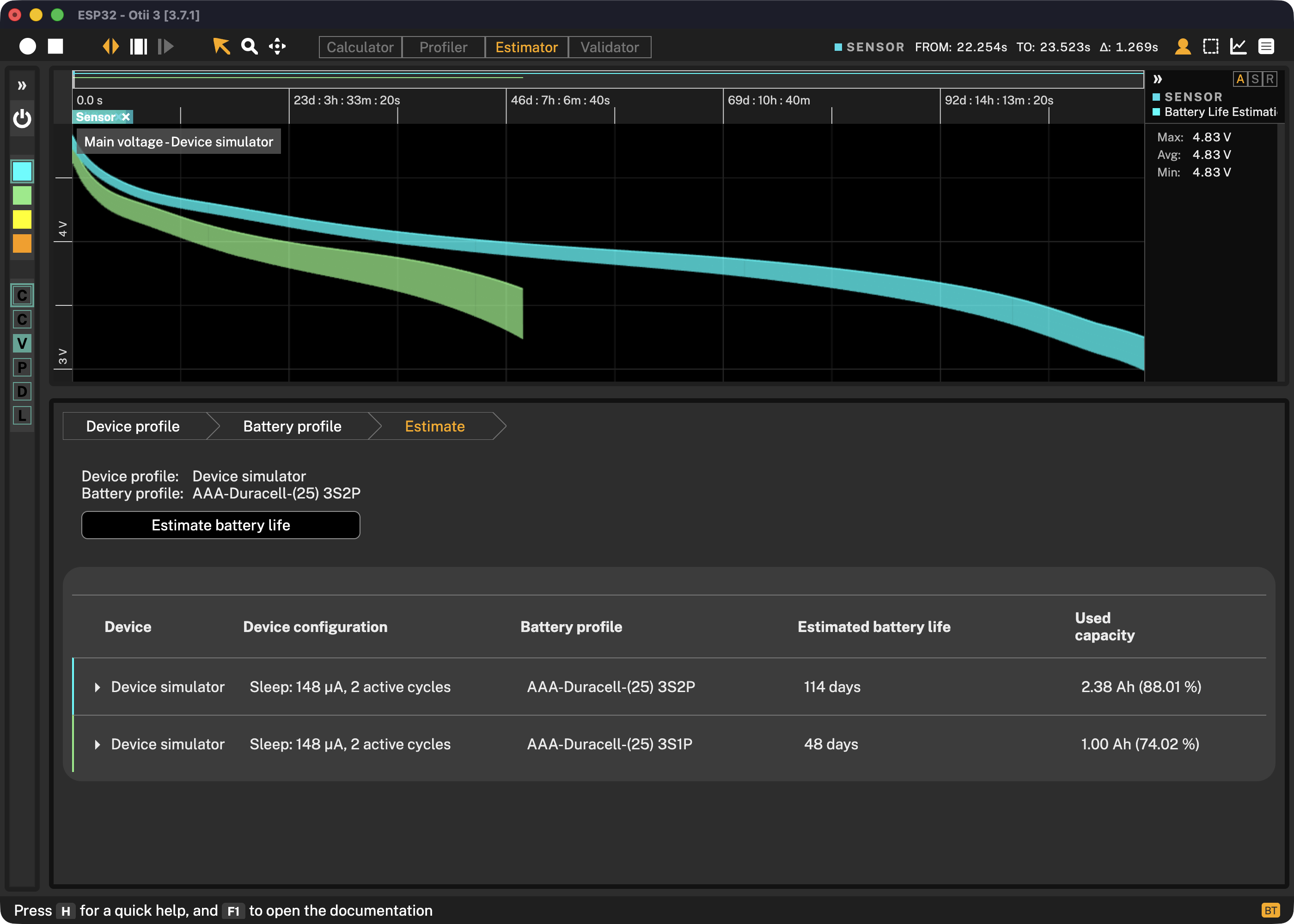
You can now do changes to the device profile or the battery profile and run the estimator again to compare different scenarios:
If you click on the arrow left of the estimate, you can see the configuration that was used for this specific estimation: