
Measurements
The measurement section includes all the channels that have been selected to be recorded in the general settings tab. These channels are listed under the MEASUREMENTS section in the left sidebar of the Otii 3 Desktop App.
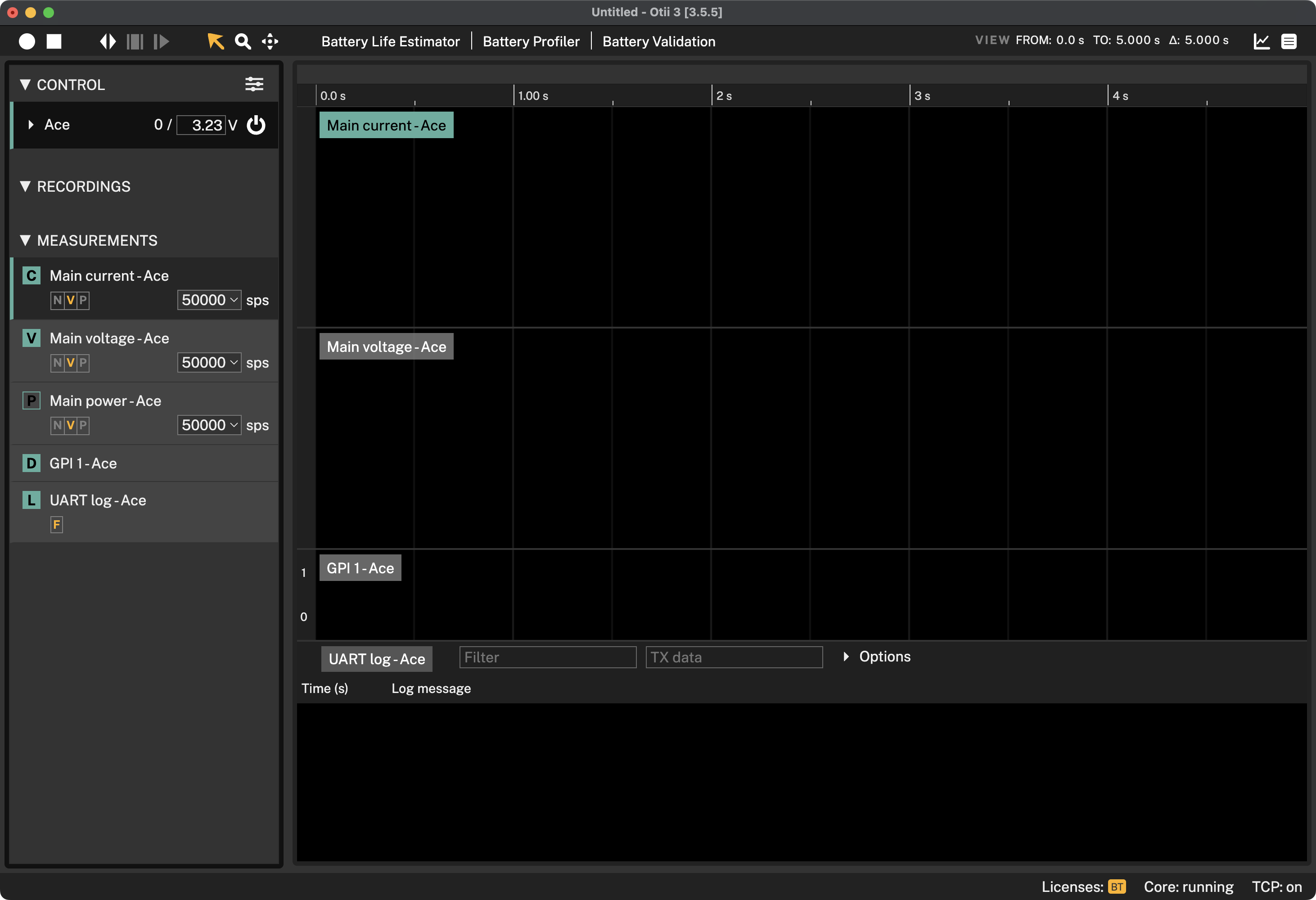
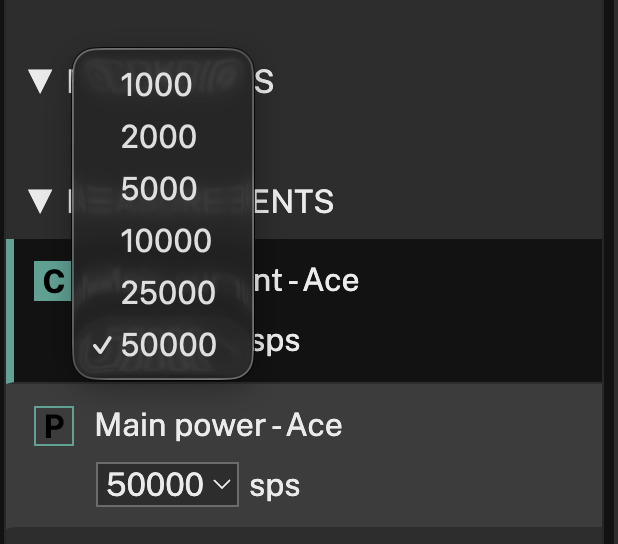
For analog channels, you can configure the sample rate for the next recording.
By right-clicking on any of the measurements listed, the following settings menu will be displayed:
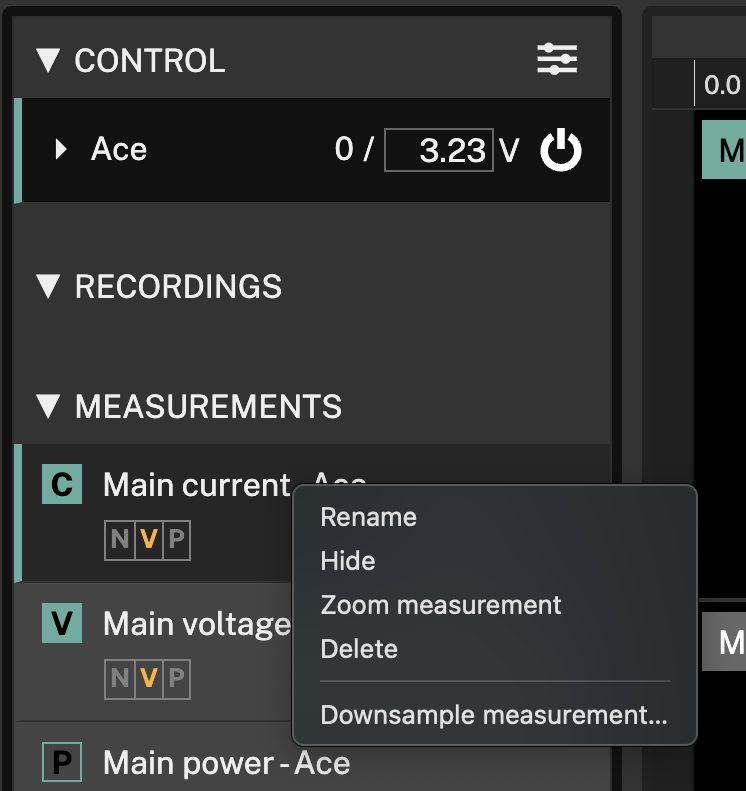
Allowing the user to:
- Rename: Define a custom name to keep track of the measurement recorded. The measurement can also be easily renamed by double-clicking on the measurement name.
- Hide: Hide the measurement to focus the analysis on a different measurement(s). The measurement can also be easily hidden by clicking on the box with the initial letter of the measurement being recorded.
- Zoom measurement/Show all: Focus the analysis on one particular measurement. To display all measurements again under the same menu option, click the Show all option.
- Delete: Delete the recording. Once deleted, the recording can be restored with
"undo"
Ctrl-Z/⌘-Zif the undo history hasn't cleared up. - Downsample measurement: Downsampling removes data points from the measurement with average values instead.